
Updating your device is another important part of device care. Like a car needs its oil changed, your laptop needs to be updated periodically to keep it running correctly.
To start, press the button on the top left of your screen
Select System Preferences
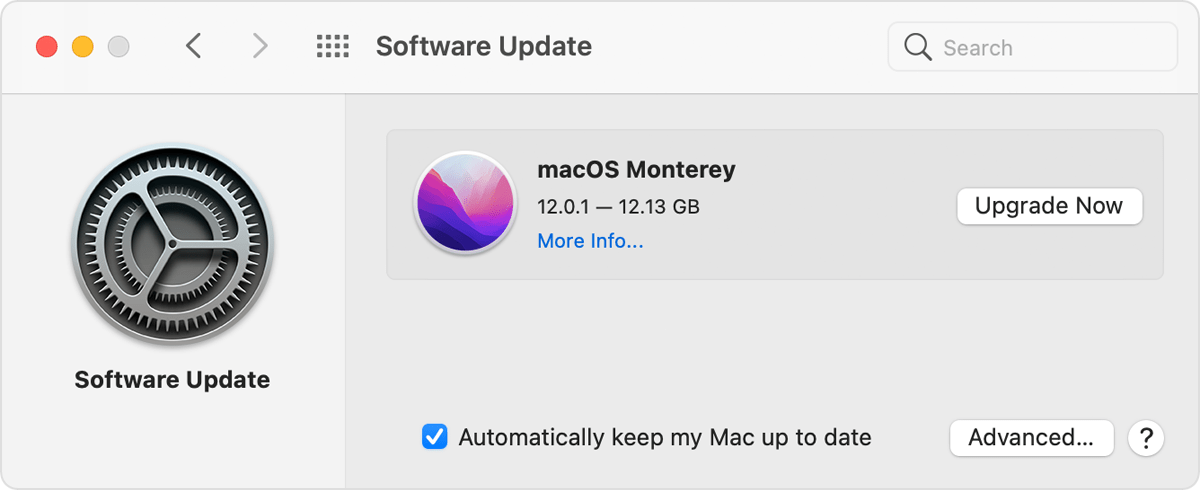
Select Software Update from the System Preferences menu
A menu similar to this will appear. It will either say that your system is up-to-date or that there is and update available.
If you are still experiencing issues please contact us at: helpdesk@lpsd.com
Comments
0 comments
Please sign in to leave a comment.